top of page

Previous Game
Oakville Incident | 2024

Oakville Incident is a found footage-style FPS, horror game following the events of an unknown attack inside the subway station. Players see the events unfold from the bodycam of the chief officer in the scene as they try to reveal the mystery of what has happened.


5 Weeks
Solo Project
FPS, Horror, Mystery
Unreal Engine 5 | PC
Next
Game
- Narrative -
Main Menu as a Narrative Tool
I wanted the main menu to be more than just a functional screen it’s a tool for storytelling that ties into the game’s narrative and draws players into the world right away. With all of this in mind I designed the menu to look like an old police computer screen, so it feels like digging into confidential files.
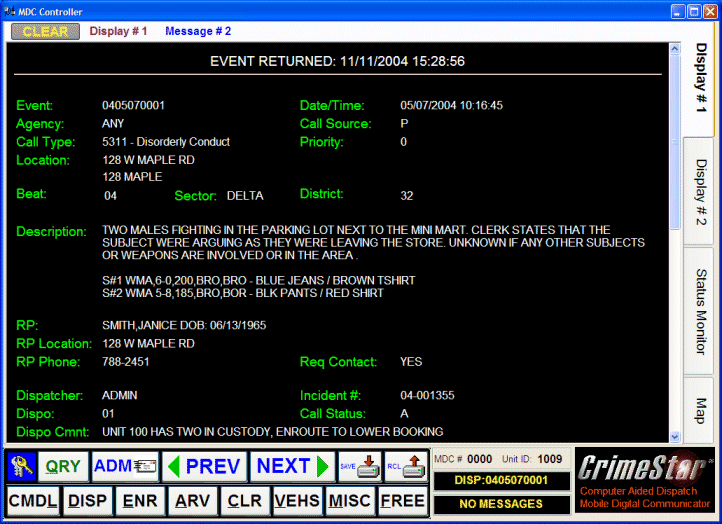
Reference
Main Menu
Eventually, players come across a report that summarizes the events leading up to the game, followed by a video file which is the game itself. This subtly reveals that they’re watching something that’s already happened, hinting at the fate of the character they’re about to control.
Storytelling
Dialogues play a crucial role in the storytelling, serving as the main method of exposition for this game. So, I prioritized writing the dialogues early in the development process. I drew inspiration from various radio chatters to establish the tone and the dynamic between characters.
Once the text was finalized, I used ElevenLabs AI for voice acting to bring the characters to life. I then edited the audio files to achieve a distorted walkie-talkie feeling.
I made sure to include little details in the environmental storytelling and dialogue that really add depth to the narrative and make it more fun for players to explore.
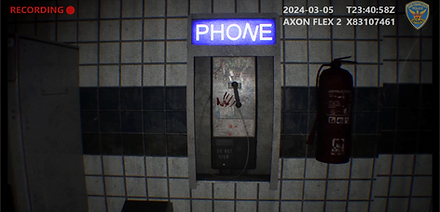

The game uses linear storytelling combined with environmental storytelling, through clues placed around the level, comments from the main character, and character interactions.


The game is set in a fictional city where a suspected chemical attack is reported at a subway station. In response, police and military units swiftly cordon off the area, deploying two of their most skilled officers to investigate underground. As they descend deeper into the tunnels, they begin to uncover a deadly infection.
For this game, I was very inspired by "Train to Busan", a Korean horror film where passengers are stuck in a train with zombies. To me, the confined nature and limited accessibility of trains and metro stations seemed like the perfect place to expose an infectious horror.


Moodboard
- Gameplay -
My goal for this game was to integrate realistic elements into a traditional first-person shooter experience while creating a narrative-driven blend that feels cohesive and meaningful, when you consider the whole game is meant to be a recorded video footage. To achieve this, I researched police bodycams, examining their placement, movement, and how the world appears through their lens. I also drew inspiration from games such as Ready or Not and Unrecord.

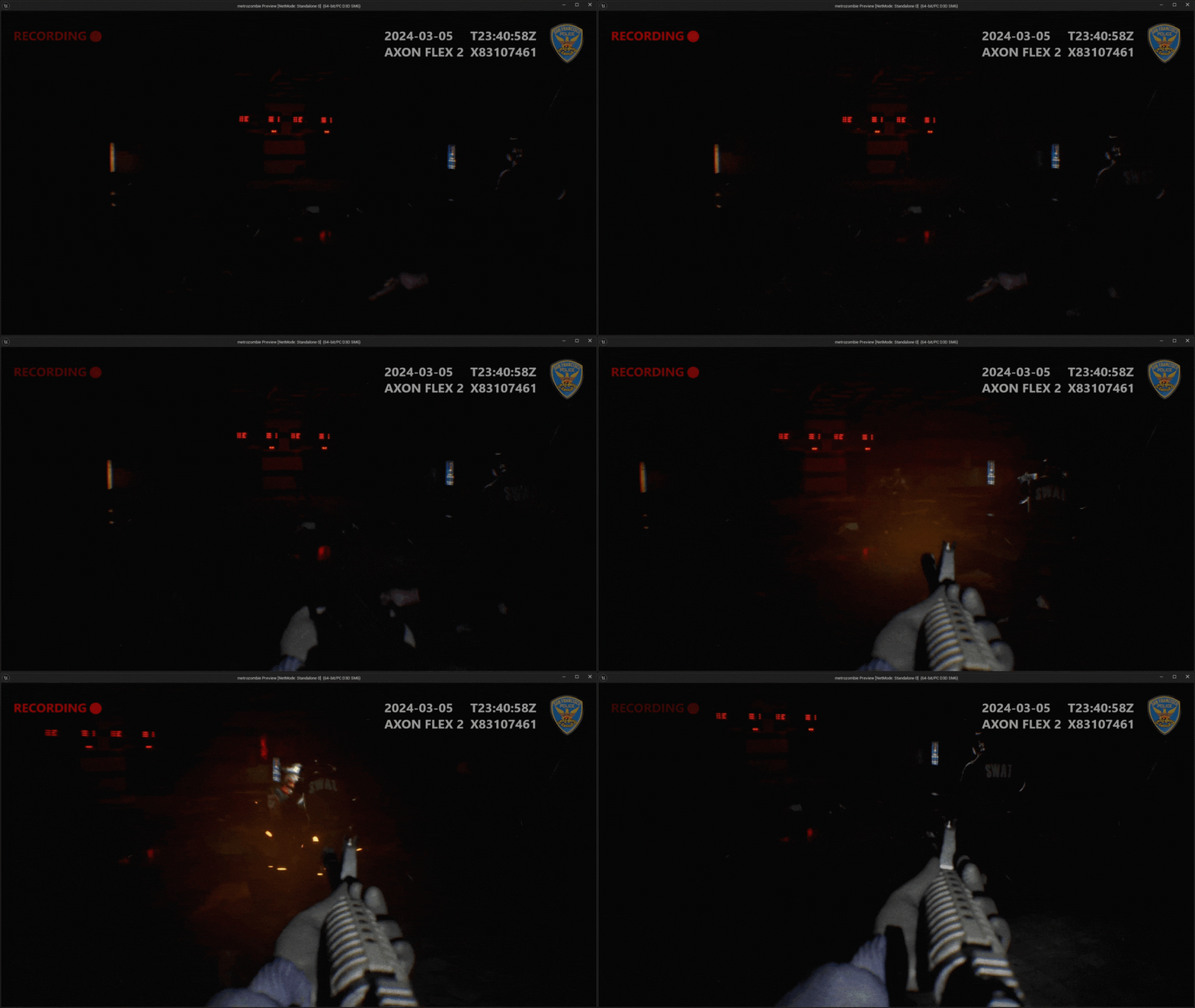
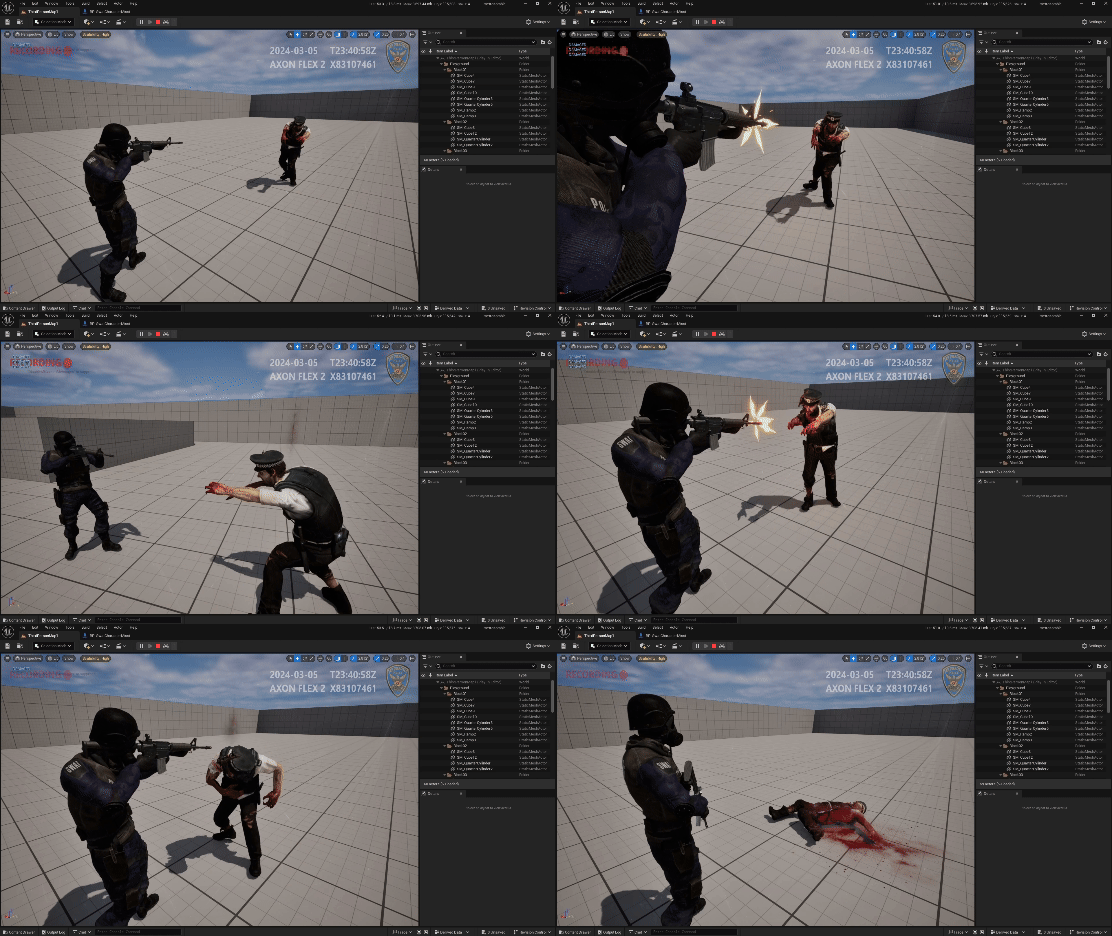
The first-person shooting was the core action element of the game. To complement the captured footage style and realism, I aimed for a less "guns blazing" and more impactful, grounded feel. Shots echo through the empty metro, strongly illuminating the desolate corridors.
Companion & Enemy AI
AI in this game is fairly simple due to time constraints but includes basic scripted behaviors designed to support key narrative elements, by series of bool checks for determining basic actions. It is however, enriched by dialogues other interactions.
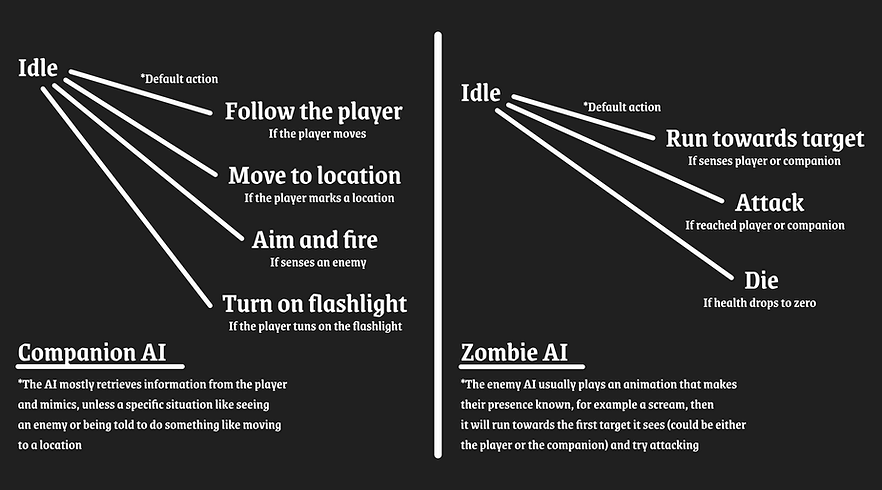
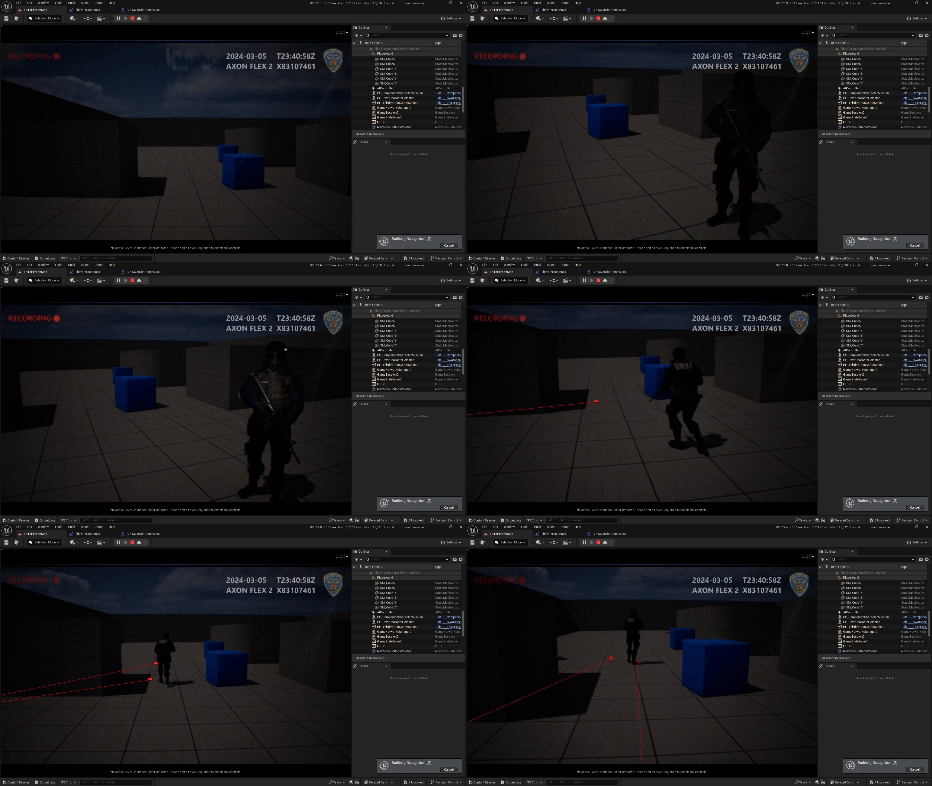
The player is accompanied by an AI companion who responds to positioning commands and adapts to the player's flashlight usage, turning it on and off in sync. Their actions are reinforced with dynamic dialogue, adding to the immersion.
The AI will call out enemy sightings and engage once they're within range with adjustable fire rate.
Camera / Character / Controls
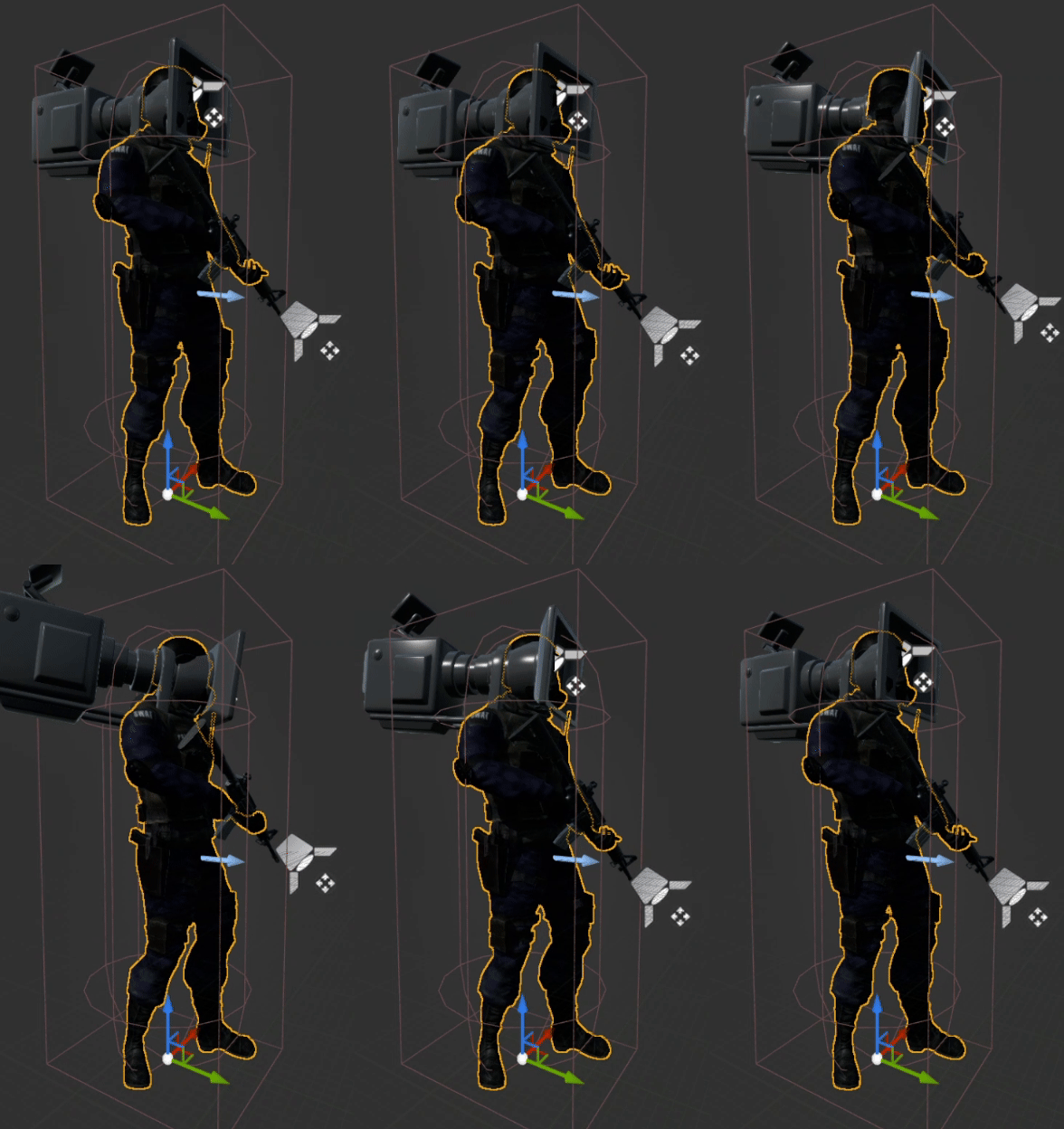
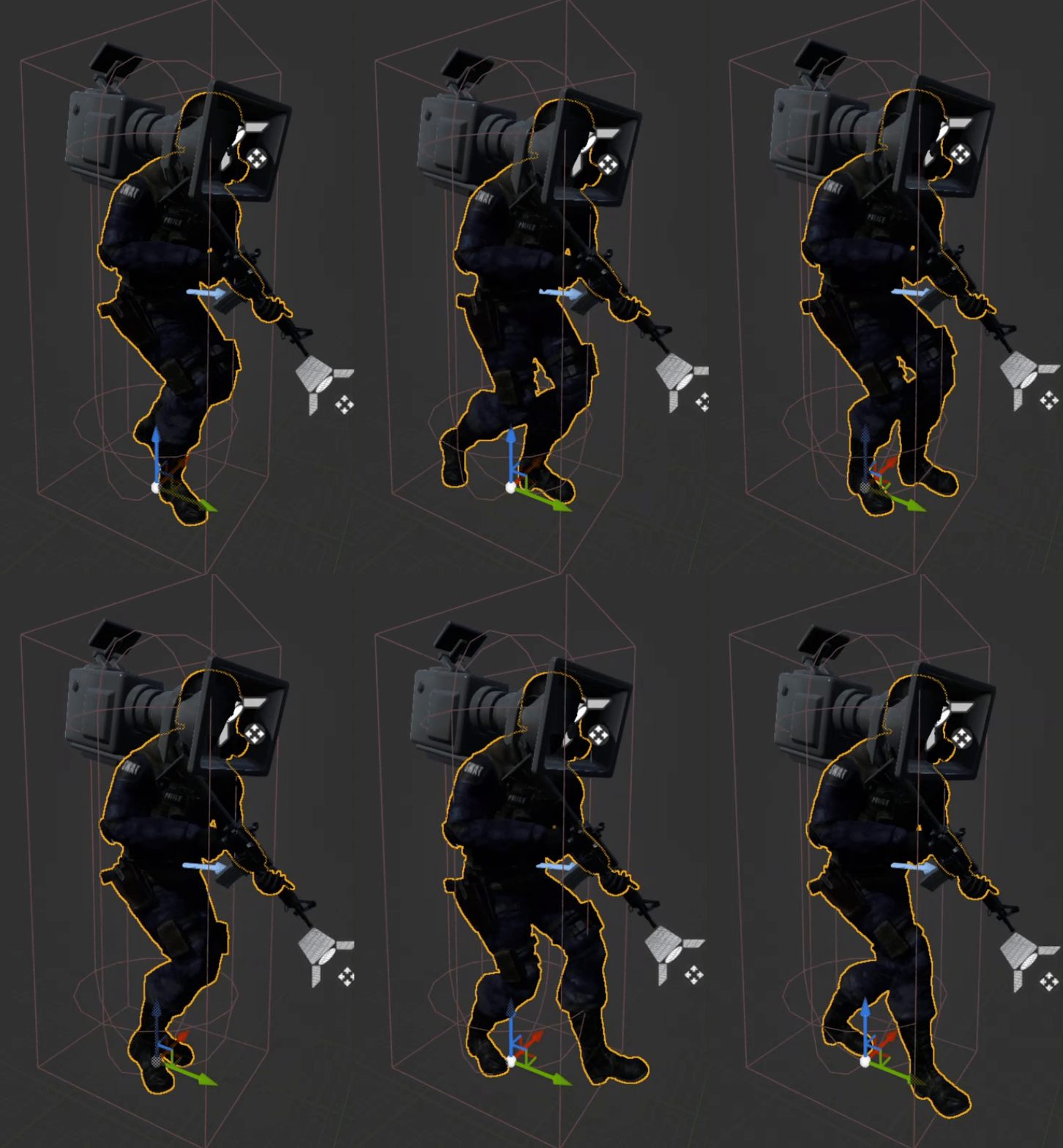
While most FPS game cameras have a static motion, bodycams exhibit constant movement, even with the smallest motions. To capture this, I attached the camera to the head socket of the player character's skeleton, allowing it to respond naturally to the subtle movements in the idle animation. This created a realistic shake, but to more closely resemble real bodycam footage, I added a slight camera shake on idle, carefully calibrated to avoid causing dizziness for the player.
Another detail was the delay, usually when we move our body, our limbs follow the motion with a short delay. I enabled and calibrated camera lag to achieve this subtle effect, which is further enhanced with the use of flashlight, that also has a delay in movement.


While working in the vision I thought about the UI aspect, overall artstyle and lighting/post processing as a whole. Typically, the resolution and overall quality in bodycams are low, sometimes accompanied by imperfections on the lens. I needed to make the player believe that they were seeing the world through such camera, while still being appealing or interesting visually.
First, I animated a blinking "Recording" sign on top left and miscellaneous information on top right, such as camera model, dates and police coat of arms. Then I added a low opacity image of glass scratches to give a subtle feeling of a lens, accompanied by a larger field of view. I increased grain and ambient occlusion, to add noise and distortion to the player vision.
One important trick I found to increase believability, was to make the camera interact with the environment and player camera movement, rain seemed like a good and aesthetic option, and it was already there for the ambient purpose. By using a weather asset called ultra dynamic sky, I managed to adjust some settings which allowed rain droplets to be formed on the screen as it would if the players were seeing the world through an actual camera. I adjusted the values and positions of droplets to achieve the final look. A nice detail regarding droplets is that, they will change in size and shape depending on the angle, wind etc.
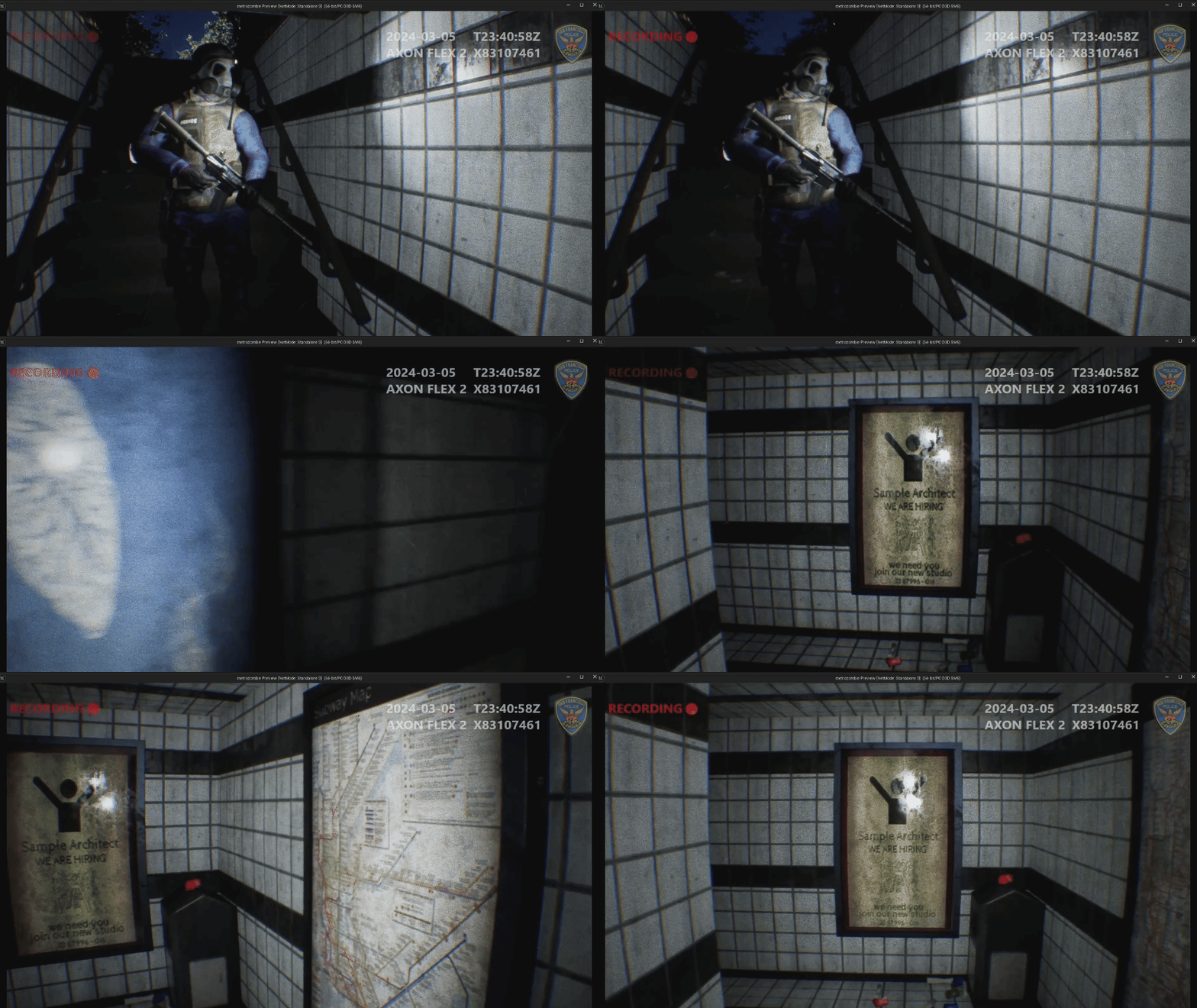
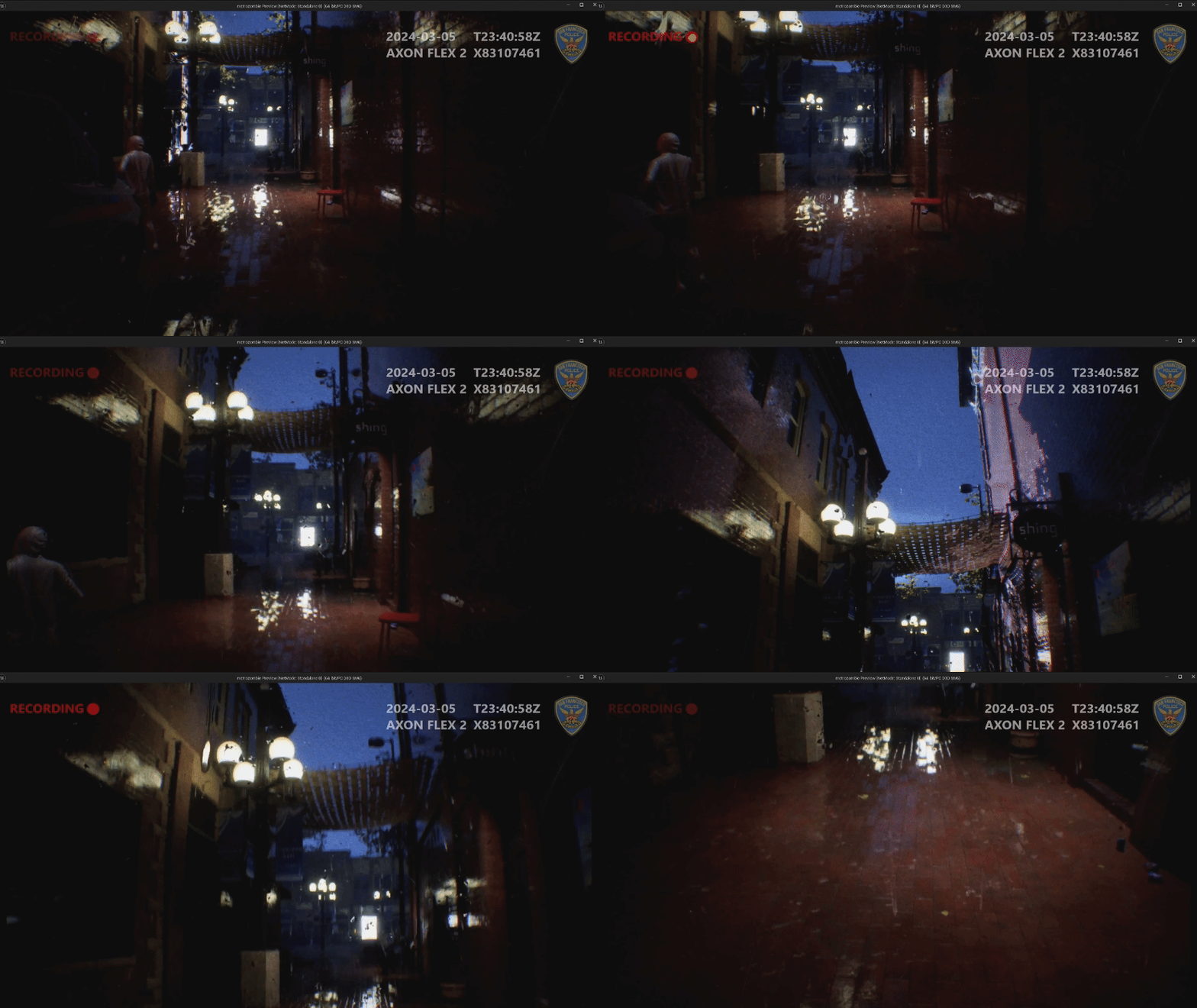
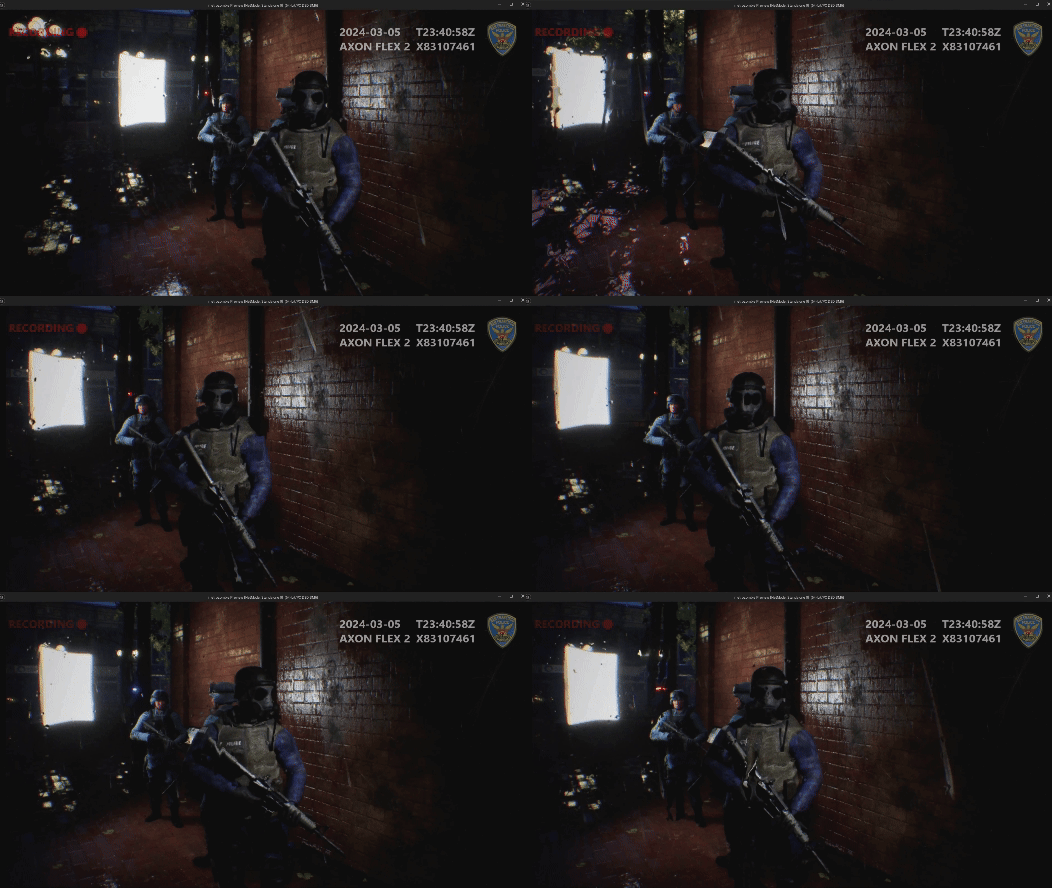
I added a head bobbing effect to make the body cam feel more realistic while keeping it subtle to avoid motion sickness.
- Reflection & Learnings -
I set an ambitious goal to complete this game in 5 weeks, and it quickly became more challenging than expected. Working solo required me to manage multiple aspects simultaneously, constantly switching between tasks. However, this independence also allowed me to make swift decisions and infuse the game with a more personal and focused vision. The experience has not only pushed me creatively, but also helped me sharpen both my technical and design skills hands-on.
bottom of page